14.7. 查看 Thunderbird 中的证书
您可以查看 Mozilla Thunderbird 中的证书,以管理电子邮件客户端的安全设置。
流程
在 Thunderbird 中,打开主菜单并选择 Preferences。
图 14.5. 从菜单中选择 Preferences

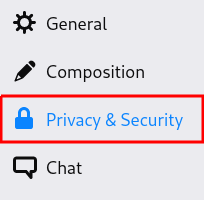
在左侧面板中,选择 Privacy & Security 部分。
图 14.6. 选择 security 部分
- 向下滚动到 证书 部分。
点 Manage Certificates 打开 Certificate Manager。
图 14.7. 打开证书管理器


