GNOME Standard
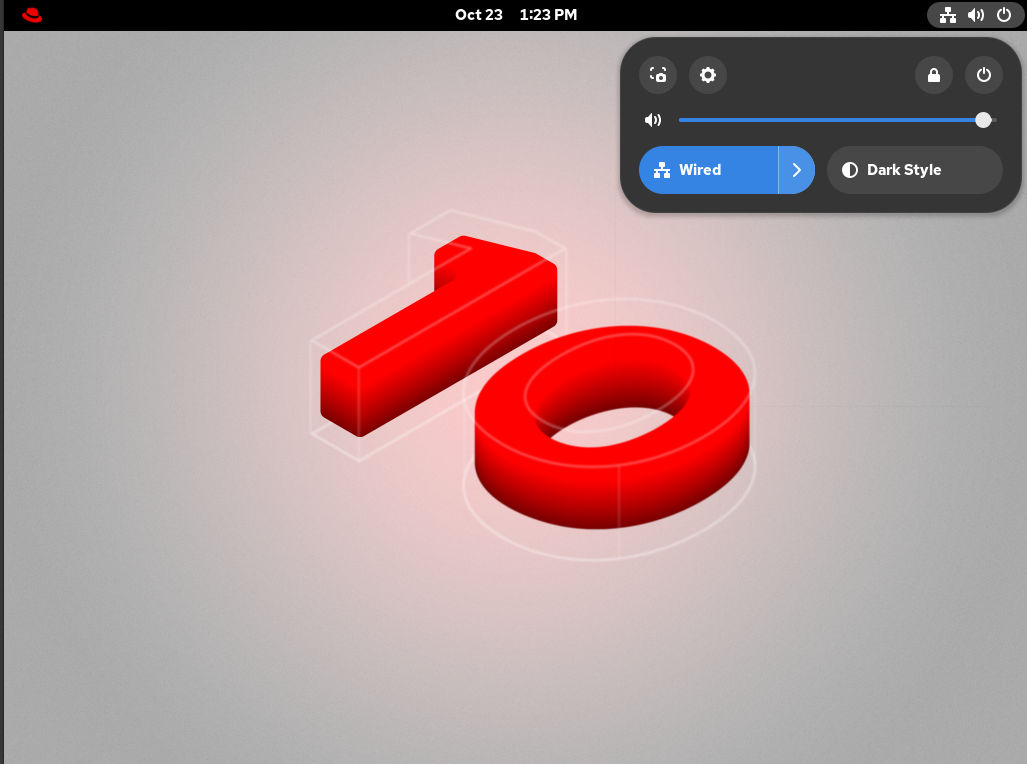
The GNOME Standard user interface includes several major components - top bar, Settings menu, activities overview, and the calendar popover.
- Top bar
- The horizontal bar at the top of the screen provides access to some of the basic functions of GNOME Standard, such as the Activities Overview, clock and calendar, system status icons, and the settings menu.
- Settings menu
-
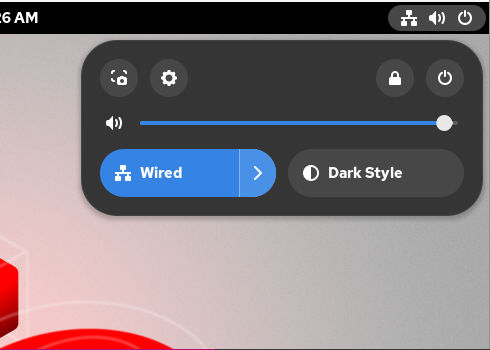
Located in the upper-right corner, it provides the following functionalities:
- Opening the GNOME screenshot and screen recording tool
- Opening the Settings app
- Controlling the sound volume
- Accessing your network connections
- Turning off the computer, locking the computer, and switching user
- Activities Overview
-
Includes windows and applications views that let you run applications and windows and switch between them.
The search entry at the top allows for searching various items available on the desktop, including applications, documents, files, and configuration tools.
The horizontal bar on the bottom contains a list of favorite and running applications. You can add or remove applications from the default list of favorites.
- Calendar popover
- You can open it by clicking the date and time in the top bar. It includes recent notifications, a calendar, a calendar events list, world clocks, and weather.