Tablets
You can manage Wacom tablets connected to your system from the Wacom Tablet settings panel in the GNOME environment.
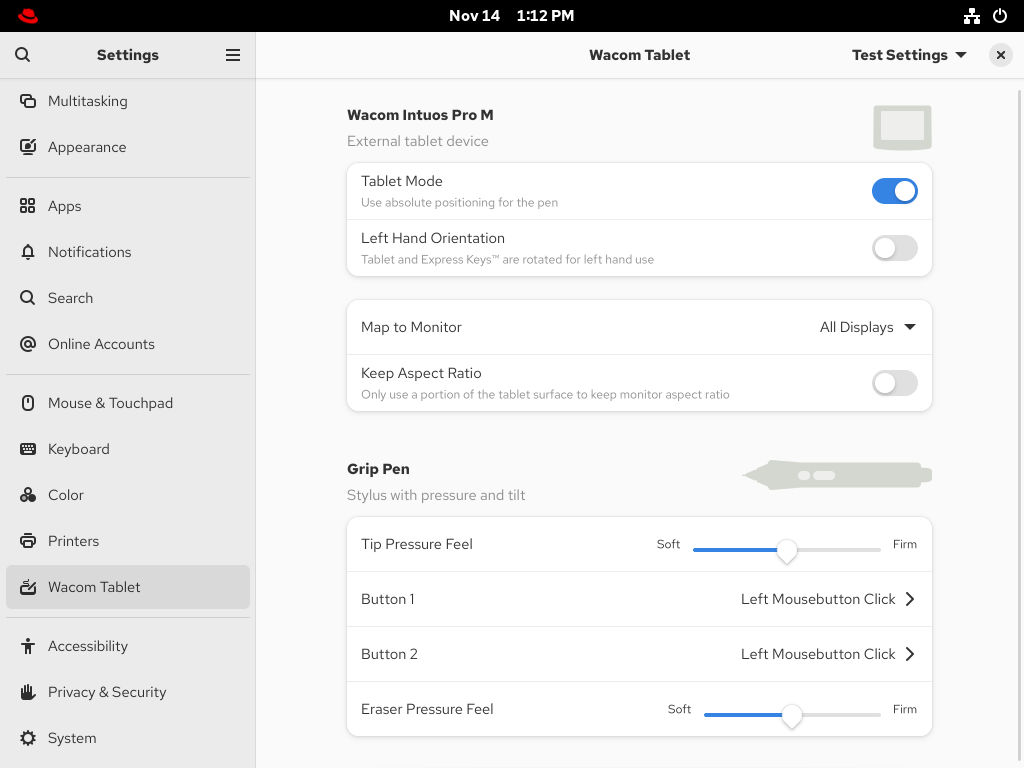
The Wacom Tablet settings panel and the libinput stack use the libwacom tablet client library, which stores additional data about Wacom tablets that the system cannot obtain by querying the device directly.
If your tablet is listed in the libwacom library, it is visible in the Wacom Tablet settings panel.
If the Wacom Tablet settings panel displays This device is unknown and may present wrong capabilities, the tablet is supported by the underlying input stack but some functionality might be missing.
If the Wacom Tablet settings panel is empty, the tablet is not exposed by the kernel. In that case, contact Red Hat support.

