Enable the Accessibility menu
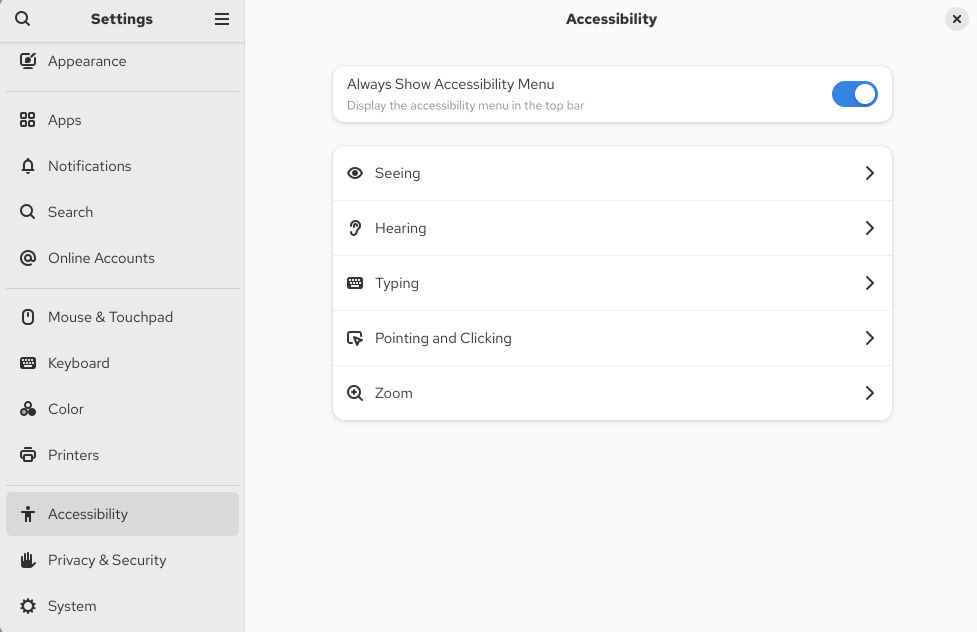
You can enable the Accessibility menu icon in the top panel, which provides a menu with several accessibility options.
Procedure
-
Enable the Always Show Accessibility Menu item.
Results
- Check that the Accessibility menu icon is displayed on the top bar even when all options from this menu are switched off.