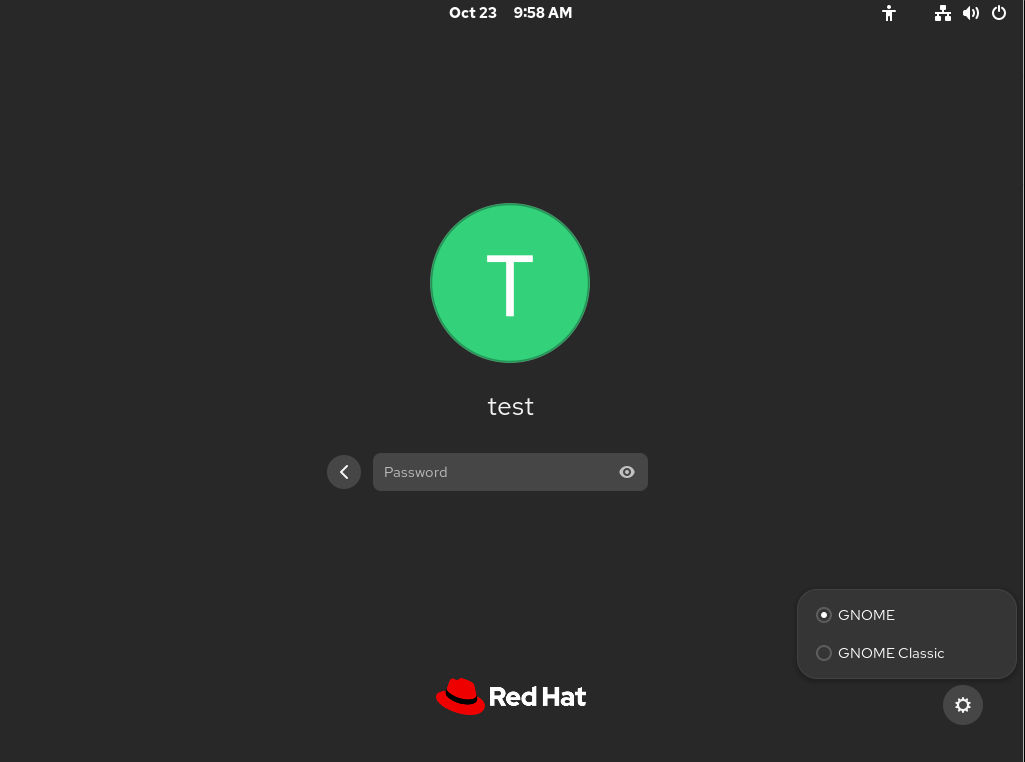
Select a GNOME interface
The default desktop interface for RHEL 10 is the standard GNOME desktop. However, you can also switch from standard GNOME to GNOME Classic.
About this task
The GNOME interface you select is persistent across user logouts, and also when powering off or rebooting the computer.
Procedure
-
On the login screen, select a user, then click the gear button in the lower-right corner of the screen.
Note You cannot access this option from the lock screen. The login screen, also called GNOME Display Manager (GDM), appears when you first start RHEL or when you log out of your current session.